agentlas

Build it or borrow it. The agents you create stay yours.

Agentlas is the Agent OS for building the agent you need or borrowing a Hub specialist, then running it through the LLM and environment you choose.

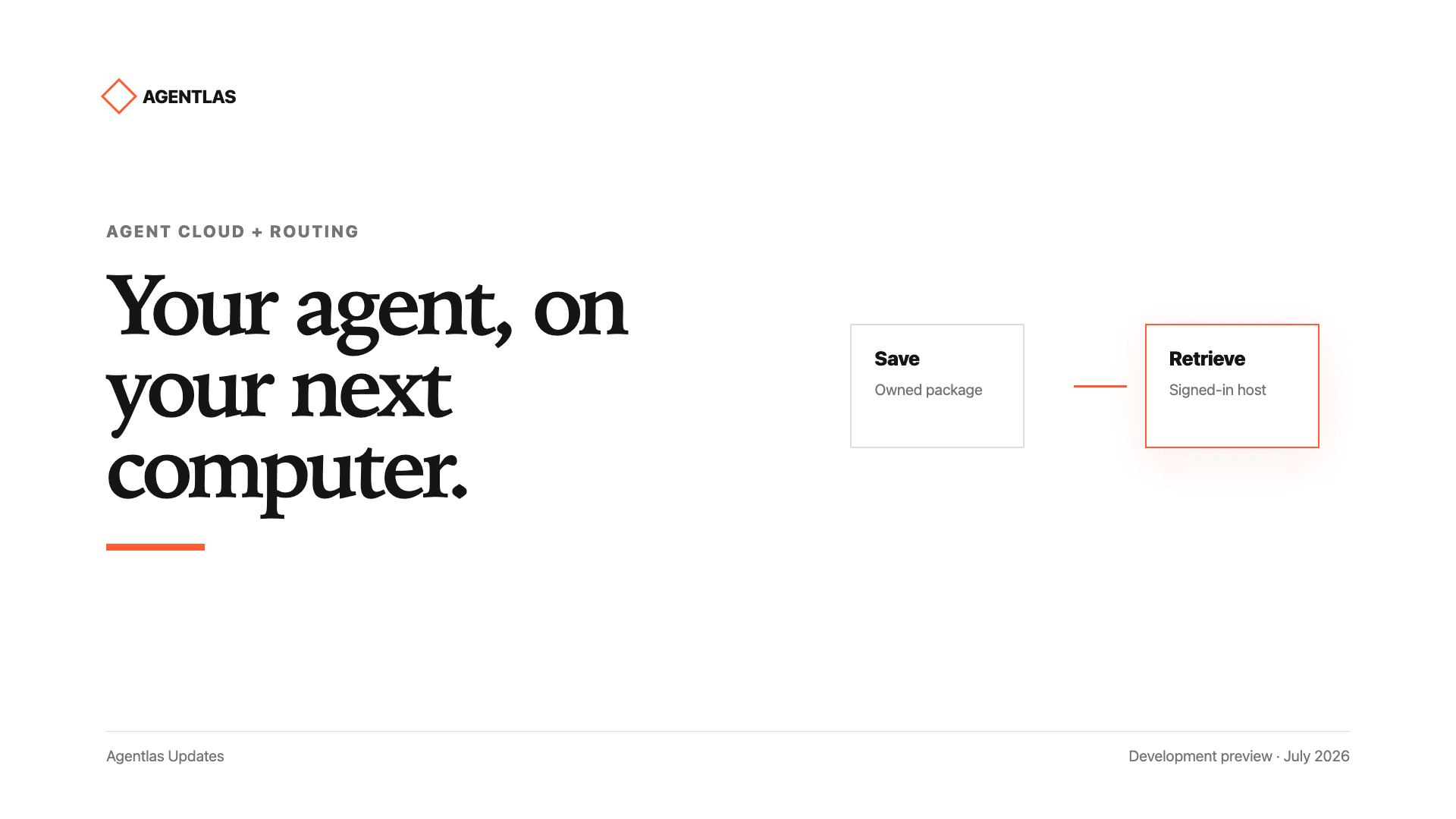
Keep agents you create in private Agent Cloud and call them again from another supported computer or LLM host.

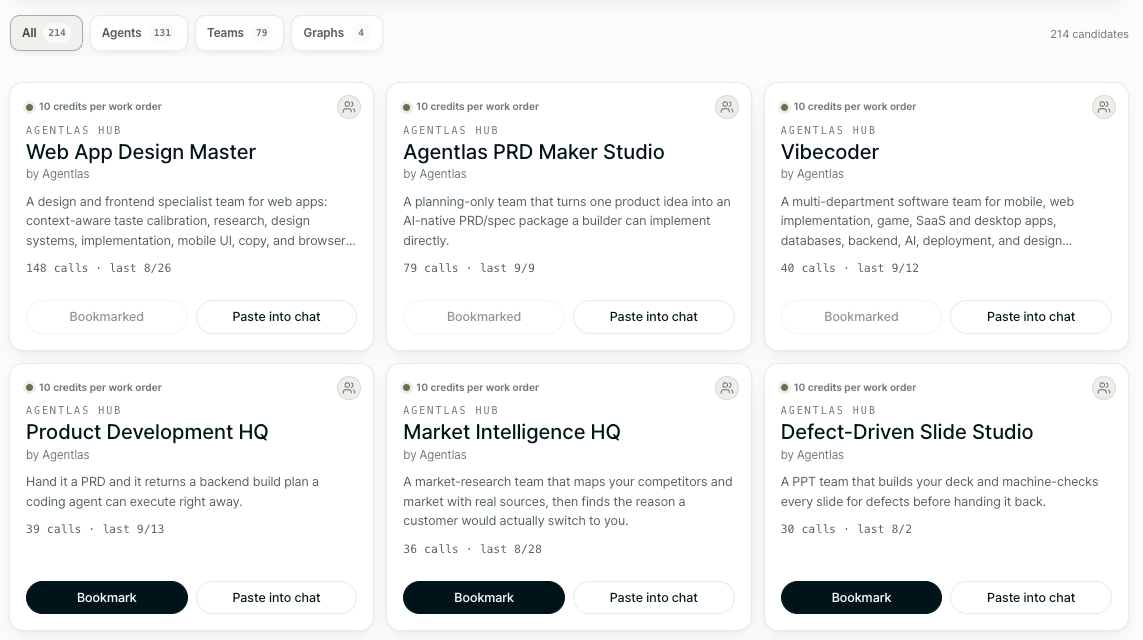
Hub agents
Today's calls
Total calls
Move beyond chat windows into agent packages you can own, run, verify, and share.Explore Public Hub Agents
WHY AGENTLAS

Plenty of tools create agents.
Few let you keep what you create.

Agentlas starts where the builder ends. When the chat closes or the model and computer change, the agents you create remain assets you can call again.

01The chat ends. Your agent remains.

Its role and way of working do not disappear inside a conversation history.

02Public expertise and private assets stay separate.

Borrow specialists from the Hub. Keep only the agents you create in private Agent Cloud.

03Cloud stores it. Your LLM and computer do the work.

Files, accounts, and permissions stay on the current computer and reconnect only where needed.

BUILD · BORROW · OWN

You should not have to build everything—or rebuild what was already yours.

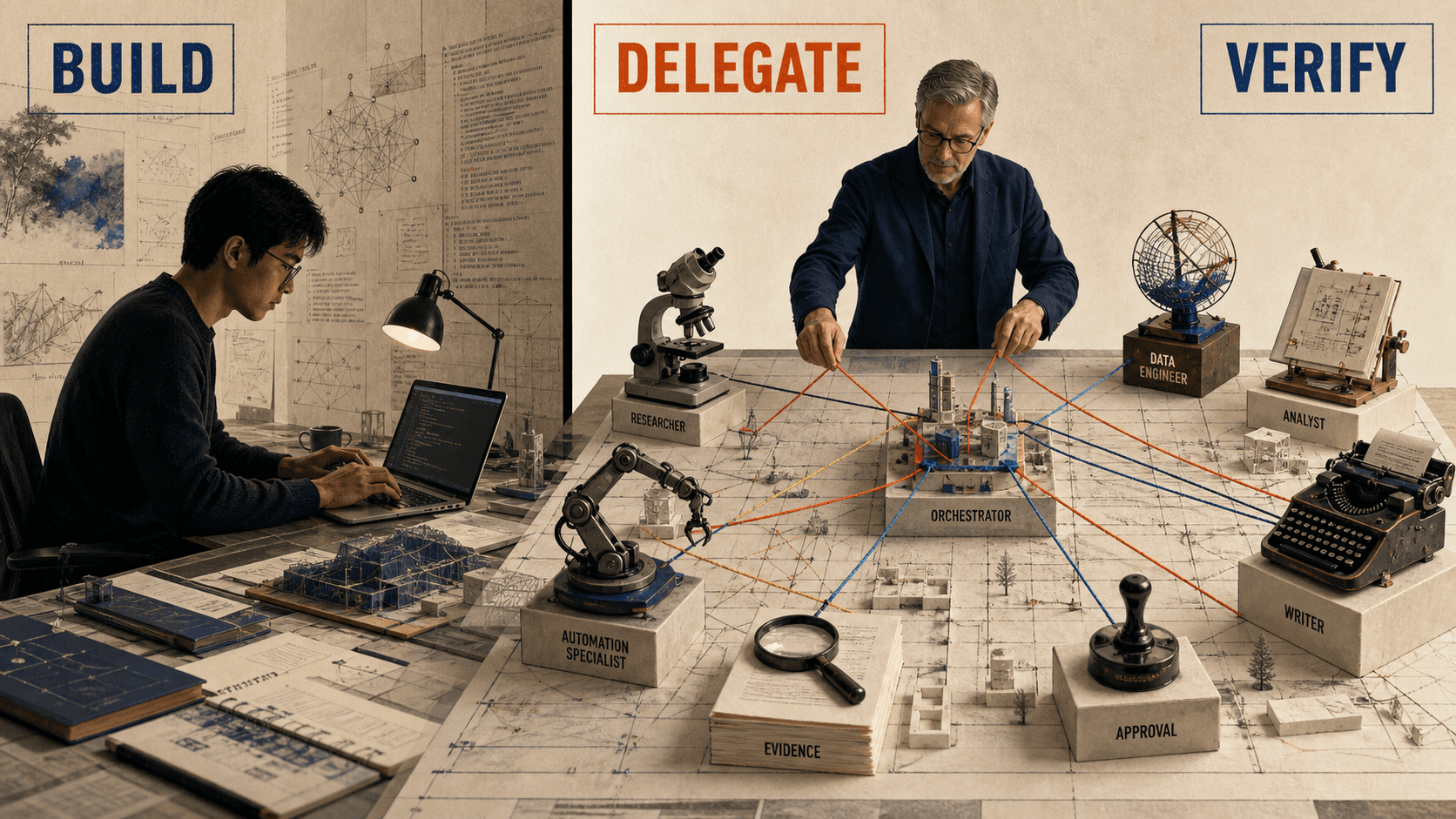
Build what is missing, borrow what exists from the Hub, and call what you create again from private Agent Cloud.

BuildAgentlas Build
If it is missing, build it for your work.
  • Describe the work and Agentlas designs the roles and tools it needs.
  • Create one specialist or a team that works together.
  • Keep completion criteria and review steps with the agent.
Build an agent
BorrowHub · Network
If it exists, borrow it from the Hub.
  • Find public agents and teams and call them from the Hub.
  • Bring in ASO, research, marketing, or other specialist expertise.
  • Call one specialist or assemble several into a temporary task force.
Browse Hub specialists
OwnPrivate Agent Cloud
If you built it, keep it as your asset.
  • Agents you create stay private until you choose to publish them.
  • Restore the same agent from supported signed-in computers and LLMs.
  • Keep an asset that is not trapped in one chat, PC, or model.
Open my Agent Cloud
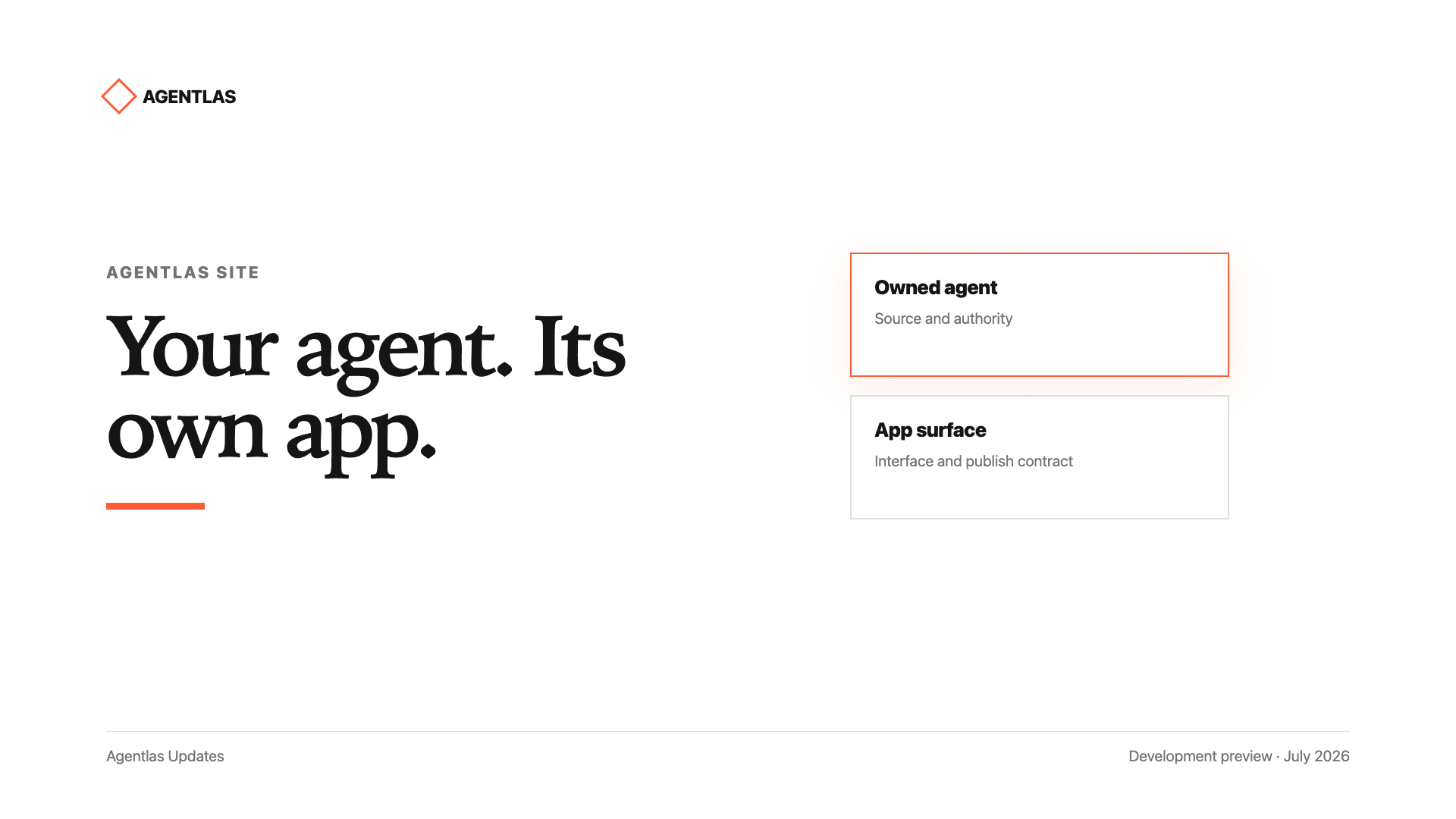
USER-OWNED BY DESIGN

Your agent should outlive a chat, a laptop, and a model subscription.

An agent you create should not be trapped in one SaaS product or device. Keep it in private Agent Cloud and call it again from a supported signed-in environment.

Agent Cloud stores the agent. Your LLM and computer do the work.

Cloud handles availability and restore. Model calls, files, and tools stay under the accounts and permissions of your current computer.

Private Agent Cloud

Cloud keeps your agent available and restorable.

It privately stores agents you create and makes the same agent available from supported signed-in apps and CLIs.

Your LLM and computer

The LLM and computer you choose do the work.

Agent Cloud does not monopolize model execution. Work uses the accounts, files, and permissions on your current computer.

Portable by design

Switch computers or models without rebuilding from scratch.

When a chat ends or a device changes, the agent architecture remains your asset and can be called again.

  1. Build once
  2. Save to private Cloud
  3. Sign in on another supported computer
  4. Call again with /hep-cloud
REAL WORKFLOW

Orchestration, Agent OS, and trust in one desktop flow.

Assign roles, connect engines, and keep execution centered on your own computer.

Orchestration

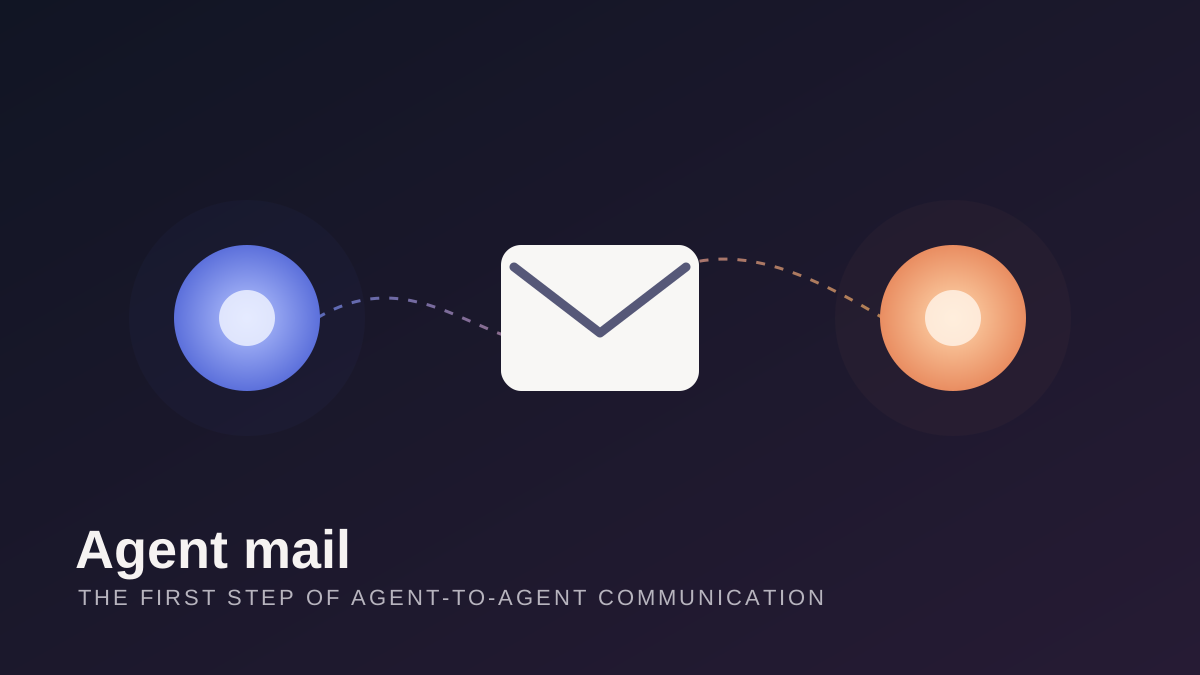
Agent-to-Agent collaboration: Let AI work with AI.

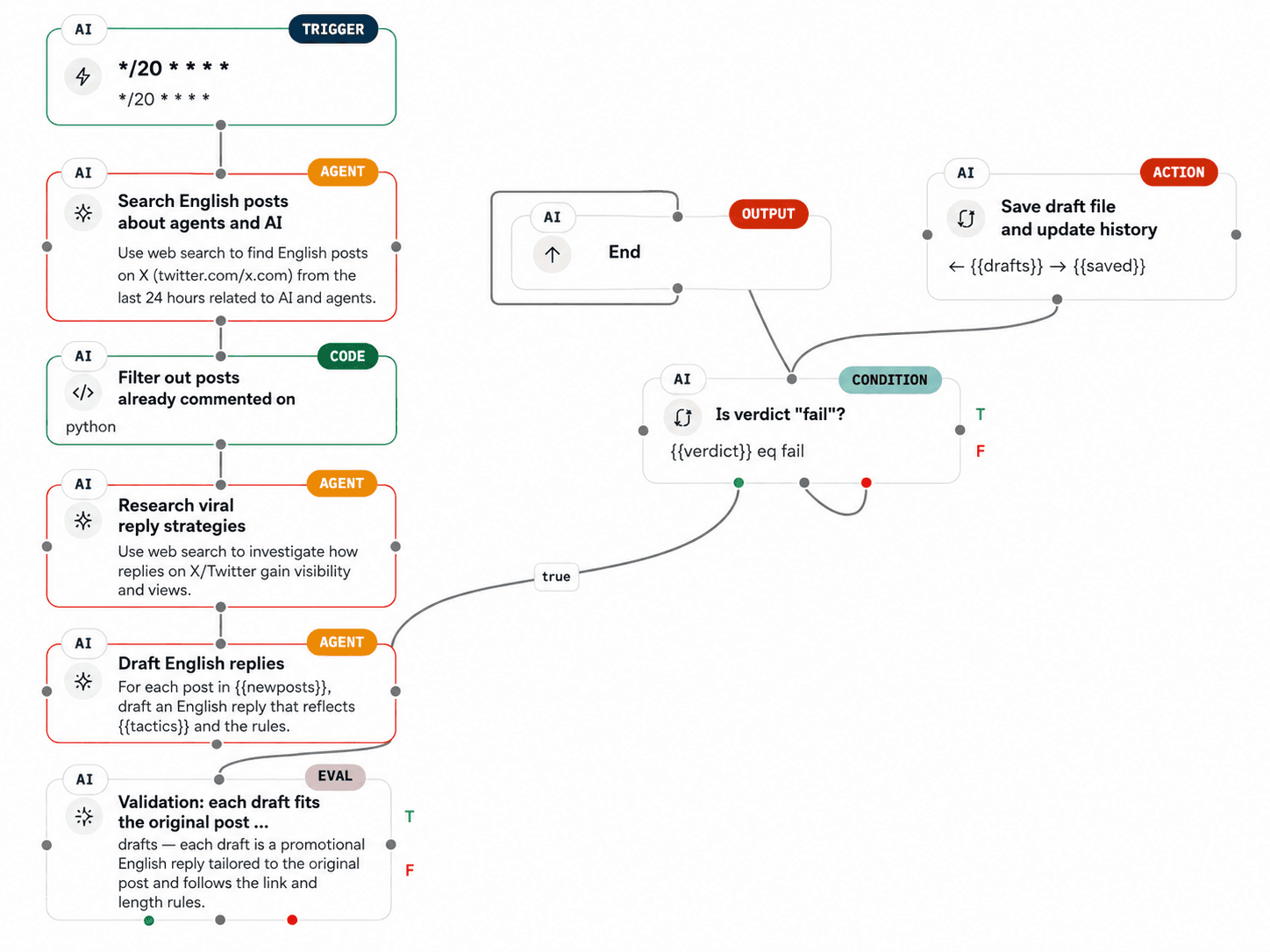
Research, writing, and review agents split the job while Agentlas orchestrates roles, sequences, handoffs, and final delivery.

See workflow
Agent OS

Hephaestus powers your independent AI ecosystem.

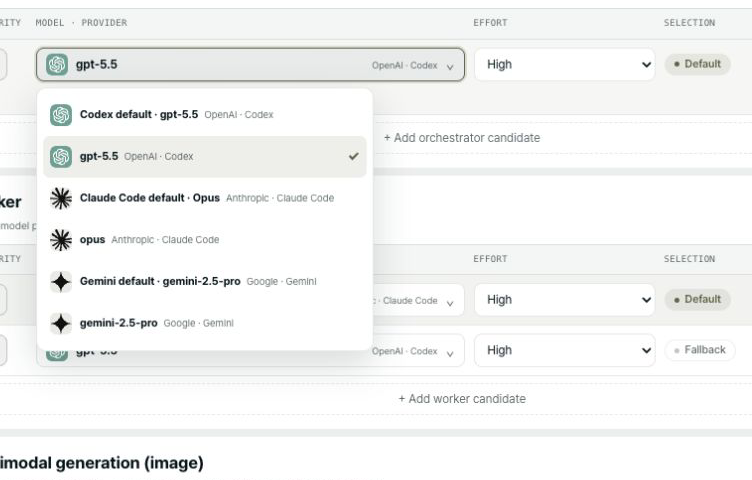
Claude Code, Gemini CLI, MCP, and Agentlas Hub connect through one desktop execution layer. Agentlas does not intercept your API calls through a black-box server.

Explore the Agent OS
Build

One sentence becomes a runnable agent package.

The meta-agent builder classifies the request, the Briefing Interview Engine asks what's missing, and the desktop app produces a runnable agent or team package on the spot.

See the build flow
Trust

Your API keys, files, and environment stay front and center.

Local-first permissions, clear pre-run conditions, and result review keep sensitive agent work understandable before and after execution.

Check trust model
Build · Borrow · Own

One Agent OS. Three clear actions.

Build with /hep-build, borrow Hub specialists with /hep-network, and restore your private agents with /hep-cloud. Your chosen LLM and computer do the work.

agentlas://hephaestus-command-surfaceSupported: Claude Code · Codex · Gemini · Cursor
  • /hep-build "…"

    what it doesCreate, repair, package, and prepare an agent or team for deployment from plain language.

    /hep-build "create a Shopify refund support agent with QA checks"
  • /hep-network "…"

    what it doesBorrow the best public Hub agents for the task and form a temporary task force.

    /hep-network "split this launch into research, copy, QA, and release agents"
  • /hep-cloud "…"

    what it doesRestore and call agents you own from private Agent Cloud in a supported signed-in app or CLI.

    /hep-cloud "use my saved finance analyst agent to review this report"

Tip: build = local/free · network = Hub agent 3 credits / team 10 credits · search = no invoke cost · upload confirms before execution

ENGINE ARCHITECTURE

One line on the surface. A full agent OS underneath.

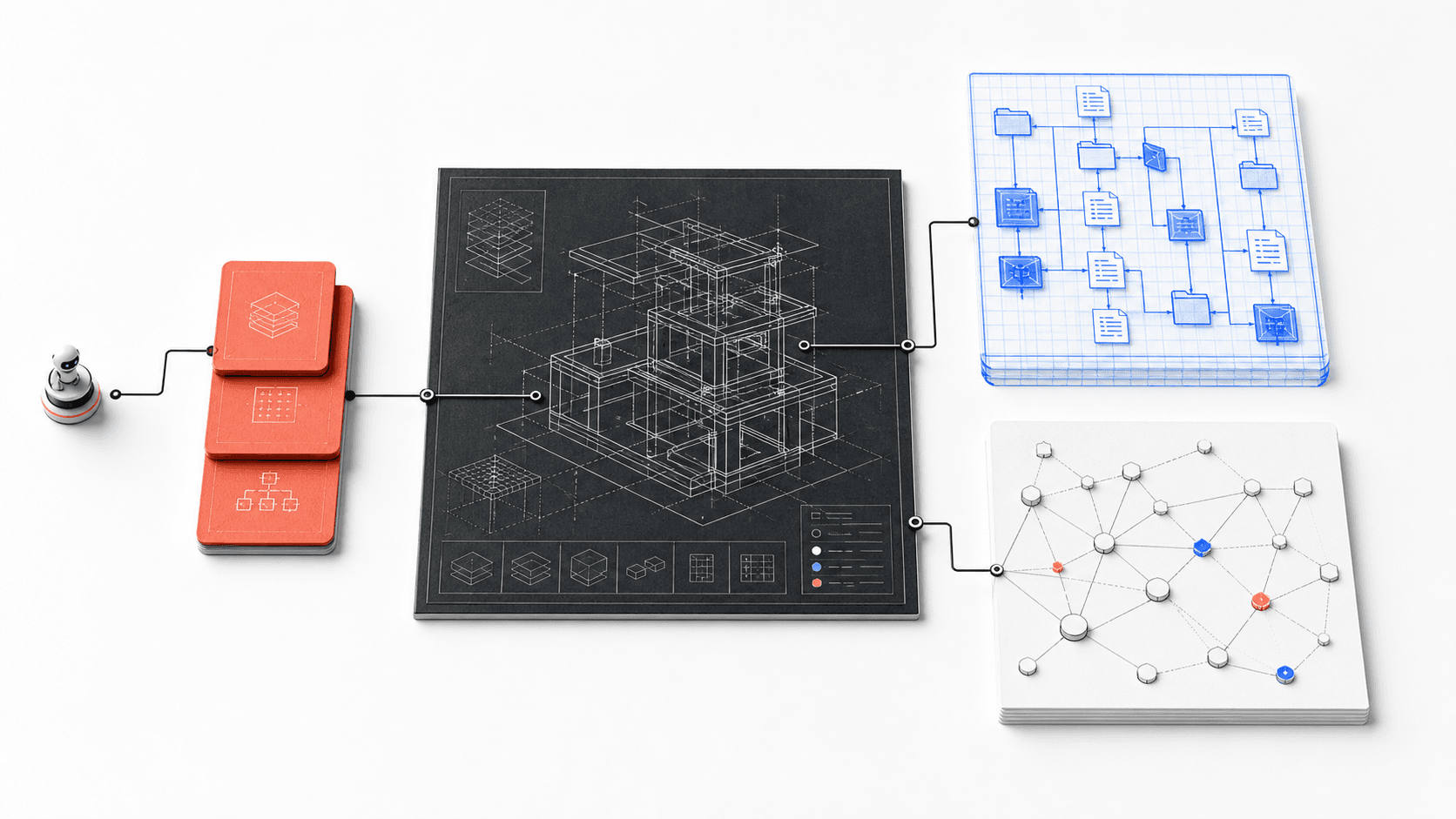
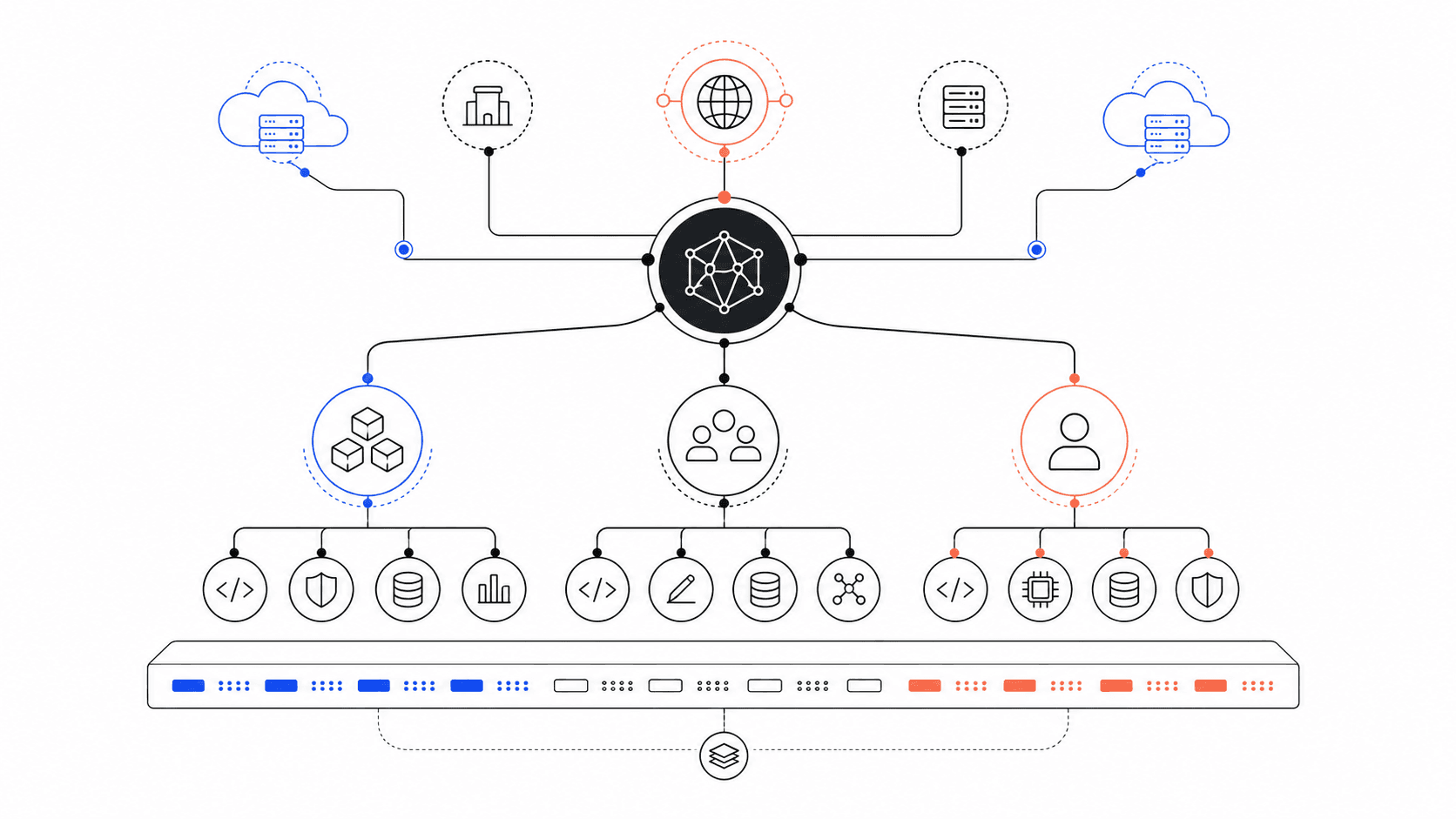
Shared context, A2A routing, and temporary task forces show how Agentlas moves work efficiently.

Agentlas engine architecture image connecting shared memory core and verification gates
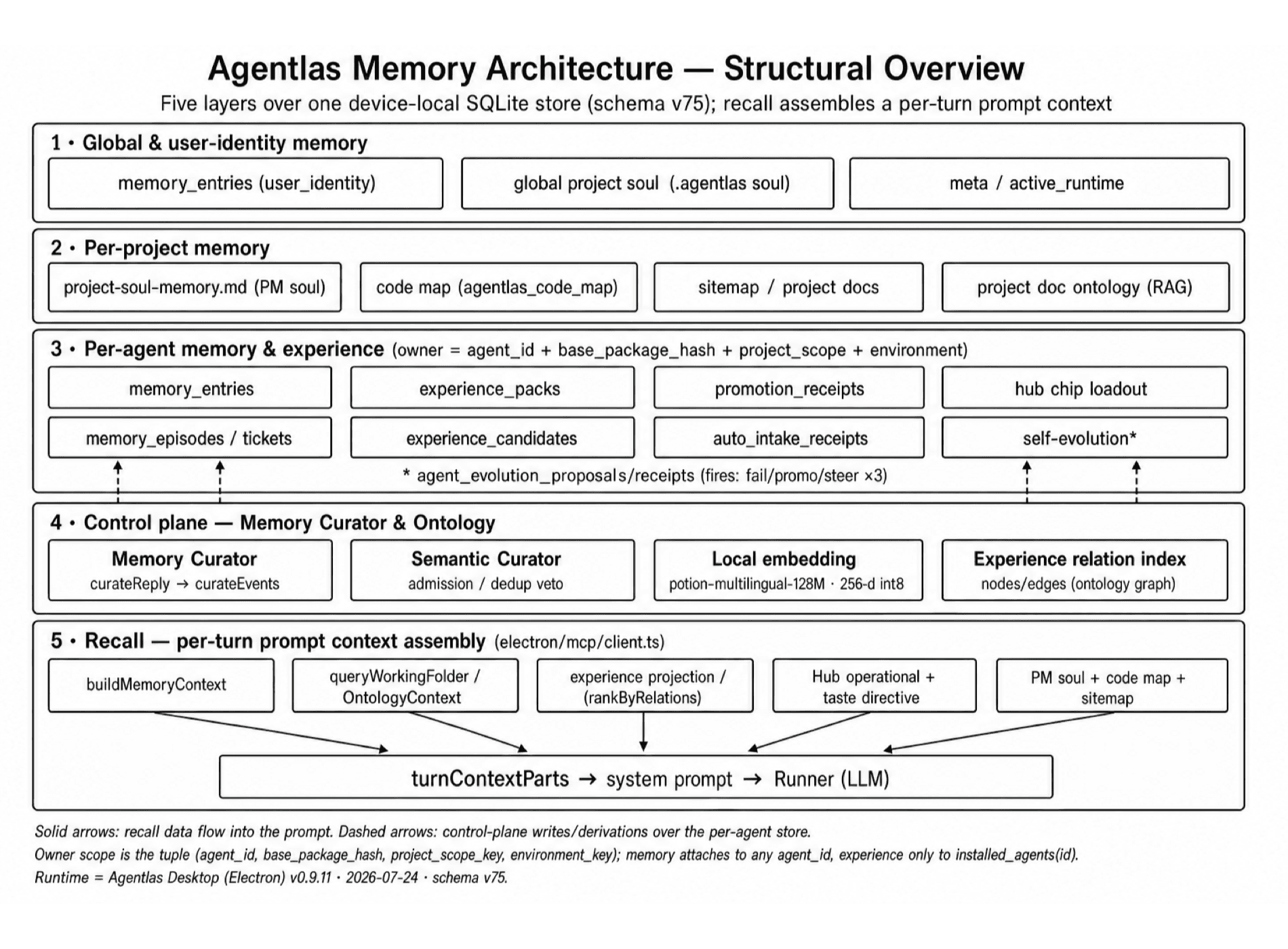
01Shared memory

Learn once. The next session remembers.

Every session recalls shared memory before work starts. When meaningful work is done, knowledge passes through a verification gate and becomes durable memory, so the same mistake does not repeat.

  • Recall before work starts
  • Verified learnings persist
  • Prevents repeated mistakes
Built-in verification

Verification is one layer inside the Agent OS.

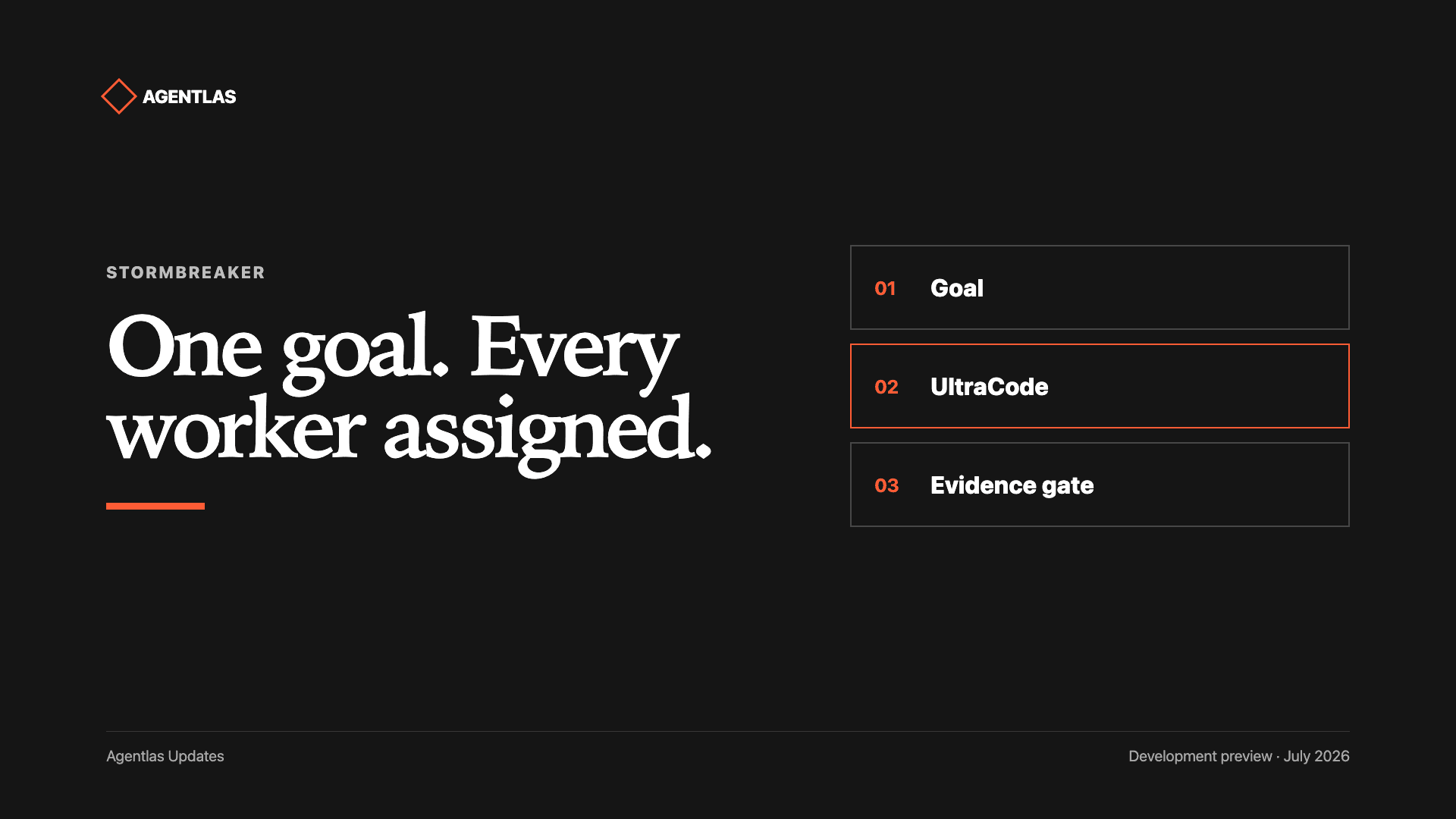
Stormbreaker checks and repairs work beneath built, borrowed, and owned agents. Its six-stage evidence loop helps keep execution on scope without becoming the product itself.

View operational stability report
Macro operational robustness99.26
  1. 01Scope lock
  2. 02Failure memory
  3. 03Verifier-first plan
  4. 04Evidence loop
  5. 05Review gate
  6. 06Final proof
ScorecardGPT 5.5NetworkStormbreaker
Macro operational robustness76.4892.2299.26
Micro operational robustness76.6791.8598.52
Holdout operational robustness80.0091.67100.00
Stress operational robustness73.3393.33100.00
See the full Agent OS (Hephaestus)
GUIDE AND ONBOARDING
You do not need to understand complex organization design.

Add one specialist agent whenever you need it. Agentlas handles the hard architecture setup for you.

1Ask in natural language

Say, “Create an agent that manages my Instagram.”

2Light interview

Skip hard open-ended setup. Choose from the options AI gives you.

3First agent starts work

A dedicated AI worker appears, ready for real tasks.

4Expand the department

Add a specialist agent whenever another workflow needs ownership.

5Build an agent team

Agents with related jobs group into one department.

6Complete multi-agent system

A coordinator orchestrates the teams and runs the larger workflow.

The autonomous multi-agent system you kept seeing online becomes something you can build step by step with Agentlas.

PRICING
Design first,
upgrade later.

Every plan includes the full feature set. Only monthly credit capacity and cloud storage change.

AT A GLANCEFree → Pro → Max

Monthly prices. Full comparison lives on the pricing page.

FreeFree
$0no card

Start immediately with no credit card.

150 credits on signup plus 300 credits every month.

  • Every feature included
  • Unlimited public profiles
  • No card required
Start free
Highest volumeMax
$39per month

For companies running multi-agent teams at firm scale.

15,000 monthly credits and 20GB of Cloud storage.

  • Every feature included
  • High-volume team operation
  • 20GB Cloud storage
View Max
ABOUT US
A world where every worker owns
the AI team they work with.

We believe anyone should be able to build or borrow the agents they need and keep the teams they create as assets beyond one company or computer.

Describe the work in everyday language to build a new agent or call a Hub specialist. Agents you create remain in private Agent Cloud and can be restored from a supported signed-in app or CLI.

Build what is missing. Borrow what already exists.

Describe a missing agent in plain language, or find a proven specialist in Hub and call it into the work.

Public Hub and private Cloud stay separate.

Hub is where you borrow expertise others publish. Private Agent Cloud is where agents you create stay under your account.

Reconnect from a supported environment.

Call your agent again on another computer, then reconnect machine-specific accounts, local files, and permissions there.

START SMALLExplain it in your own words.
Install Desktop
FAQ

Clear answers on ownership, portability, and execution.

Understand Hub versus Agent Cloud, restore requirements on another computer, machine-local credentials, and where model execution actually happens.

BasicsWhat is Agentlas?

Agentlas is an Agent OS for building the agent you need, borrowing public Hub specialists, and keeping the agents you create as assets you can call again. Work runs through your selected LLM and the files, tools, and permissions of your current computer.

BuildHow do I build the agent I need?

Describe the job in plain language. Agentlas turns it into a runnable architecture with roles, tools, permissions, and a verification flow. You can build one specialist or a team of collaborating agents.

BorrowWhat does it mean to borrow a Hub agent?

Instead of building every agent yourself, you can find a public agent or team in Agentlas Hub and call it into your current task. Hub distributes expertise; your current computer still governs model execution and tool permissions.

OwnHow is private Agent Cloud different from the public Hub?

Private Agent Cloud stores and restores agents you own for your account. The Hub is the distribution surface where agents you choose to publish can be discovered and borrowed by other users.

PortabilityCan I use the same agent after changing computers or LLMs?

Yes, in a supported app or CLI. Sign in with the same owner account and restore the agent architecture from private Agent Cloud. The restored agent uses the models and tools supported by the new environment.

SecurityDo credentials and local files move to the new computer too?

No. API keys, account tokens, local files, and operating-system permissions stay inside each computer's trust boundary. Reconnect the accounts and folders the agent needs after restoring it on another machine.

ExecutionDoes Agent Cloud run the model on a central server?

Private Agent Cloud primarily stores and restores agents you create. Model calls, file access, and tool use happen under the policies and permissions of your selected supported app or CLI and current computer.

BeginnerCan non-coders use Agentlas?

Yes. Start by describing the work in everyday language. When setup is needed, Agentlas explains the required connections and permissions, and the agent structure remains inspectable as files.

Open sourceIs the engine behind Agentlas open source?

Yes. Hephaestus, the open core of Agentlas OS, is Apache-2.0 licensed at github.com/agentlas-ai/Agentlas-OS. Its Build, Network routing, Cloud invocation, and Stormbreaker verification layers are inspectable in code and documentation.

Build what you need. Borrow what already exists. Own what you create.

Build in Agentlas Desktop or call a Hub specialist. Keep the agents you create in private Agent Cloud and restore them from a supported signed-in environment.

Agentlas — Build it or borrow it. Keep what you create.